
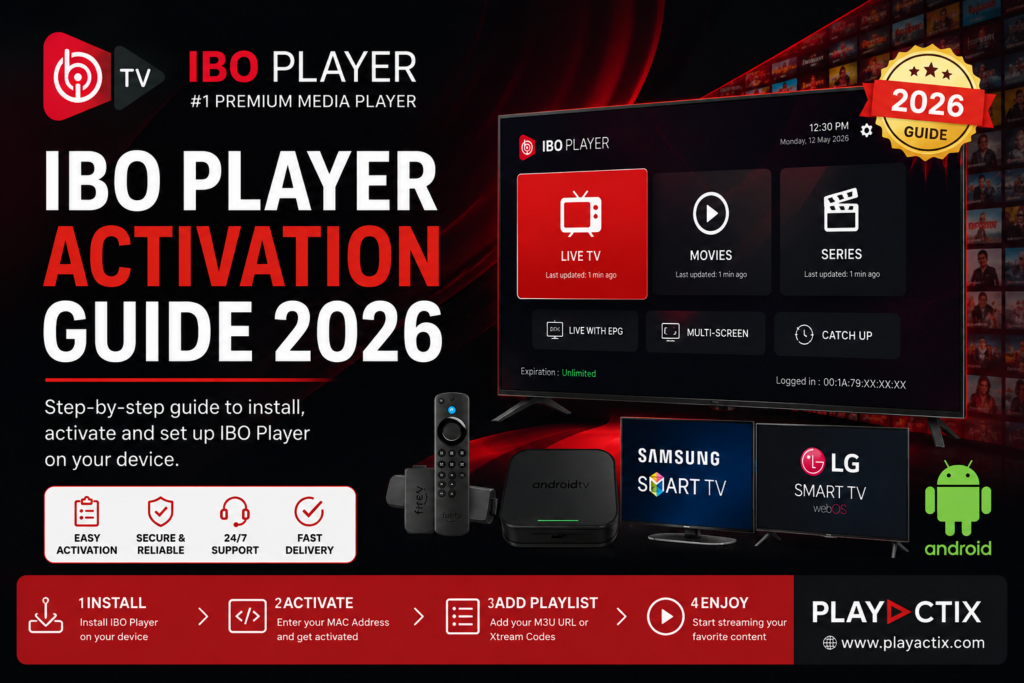
IBO Player Activation Guide 2026 | Complete Setup & Activation Tutorial
Looking for a simple way to activate IBO Player? This guide explains how to install, activate, and configure IBO Player on Smart TVs, Android devices, and Fire TV Stick.
Important: IBO Player is a media player application only. It does not include channels, playlists, movies, or TV content. Users must provide their own M3U playlist or Xtream Codes credentials.
Step 1: Install IBO Player
Download and install IBO Player on your device:
- Samsung Smart TV
- LG Smart TV
- Android TV
- Android Smartphone & Tablet
- Amazon Fire TV Stick
- Google TV
Launch the application after installation.
Step 2: Find Your MAC Address
When IBO Player starts for the first time, the app displays:
- MAC Address
- Device ID (if available)
You will need this information to activate your license.
Example:
MAC Address: 00:1A:79:XX:XX:XXStep 3: Purchase an Activation
Choose the activation plan that suits your needs:
1-Year Activation
✔ Full access to IBO Player features for 12 months.
Lifetime Activation
✔ One-time payment.
✔ Permanent activation for your device.
After placing your order, provide your MAC Address during checkout.
Step 4: Wait for Activation
Once your order is processed:
✅ Activation is completed within minutes.
✅ Restart the application.
✅ The trial message will disappear automatically.
Step 5: Add Your Playlist
After activation:
- Open the IBO Player management portal.
- Enter your device MAC Address.
- Upload your M3U URL or Xtream Codes credentials.
- Save your settings.
- Restart the app.
Your channels and VOD content will now be available.
Supported Devices
- Samsung Smart TVs
- LG Smart TVs
- Android TV Boxes
- Android Smartphones
- Fire TV Stick
- Google TV Devices
Common Issues
Activation Not Working
- Verify that the MAC Address is correct.
- Restart the application.
- Wait a few minutes for synchronization.
Playlist Not Loading
- Check your M3U URL.
- Verify Xtream Codes credentials.
- Ensure your subscription is active.
Changed Device
IBO Player activations are linked to a specific MAC Address. A new device may require a new activation.